📋 Table of Contents
- Who This Comparison Is For
- Quick Verdict at a Glance
- ClickUp — Best for Depth and Value
- Monday.com — Best for Fast Onboarding
- Pricing and Seat Minimums
- Head-to-Head Category Analysis
- Full Feature Comparison Table
- ClickUp vs Monday for Creators, Course Sellers, and Small Agencies
- Which Platform Should You Choose?
- Frequently Asked Questions
- Final Verdict
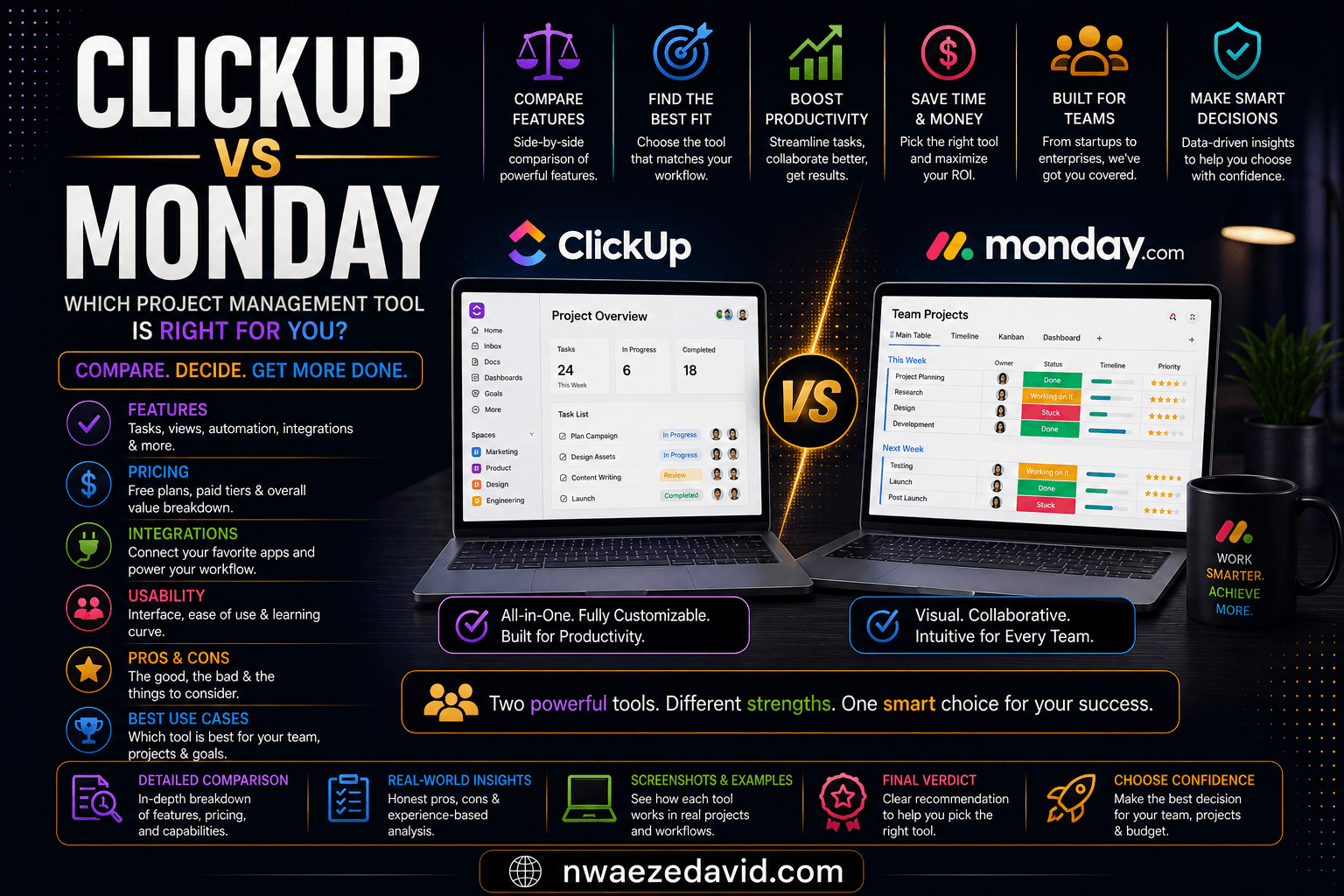
ClickUp vs Monday.com — a full comparison across pricing, seat minimums, automation, and features.
Every growing business hits the same wall eventually: tasks scattered across sticky notes, spreadsheets, and half-read Slack threads, and nobody quite sure what's actually due this week. That's the moment people start searching for a real work management tool, and the search almost always lands on the same two names.
ClickUp and Monday.com are the two most compared work management platforms, and for good reason. Both have millions of users, strong review ratings, and enough overlapping features that it is genuinely hard to tell them apart from the marketing pages alone. The difference shows up once you actually start using them, and in what you end up paying once your team grows past two or three people.
This comparison breaks down pricing, seat minimums, automation limits, and real features for both, so you know which one actually fits how your team works, not just which one has the flashier homepage.
Who This Comparison Is For
This article is written for:
- Solopreneurs and small digital businesses outgrowing spreadsheets and Notion docs for the first time
- Content creators and course sellers who need to manage a content calendar, a launch checklist, or both at once
- Small agencies juggling multiple client projects and needing one shared source of truth
- Growing teams of 3 to 30 people deciding on the tool they will likely live inside for the next few years
Picking the wrong one here is not fatal, both platforms let you export and migrate your data, but it does cost real time and money to switch later. Worth getting right the first time.
Quick Verdict at a Glance

ClickUp's nested hierarchy goes deeper than Monday's board-based structure, at the cost of a steeper learning curve.
ClickUp — Built for Teams That Want Depth Without Paying More For It
ClickUp markets itself as "the everything app, for work," and for once that is not far off the mark. Tasks, docs, whiteboards, goals, chat, and time tracking all live inside one product rather than being bolted on as separate line items, and every one of those is available starting on the cheapest paid tier.
The trade-off is real: with more than 11,000 G2 reviews backing a 4.7/5 score, ClickUp consistently earns praise for feature breadth and value, and just as consistently draws complaints about a steep learning curve and occasional slow loading in large workspaces.
The organizational hierarchy, Workspace, then Space, then Folder, then List, then Task, then Subtask, gives you real depth for complex operations, but it takes longer to set up than dragging a few boards into place.
For most small teams and solo operators comparing work management tools in 2026, ClickUp is the one to beat on price and raw capability, provided you are willing to spend an afternoon actually learning it.
✓ ClickUp Pros
- No seat minimum — pay for exactly the users you have, including one
- Native time tracking, Gantt charts, and goals included from the $7/month tier
- 1,000 automation actions/month on the entry paid plan, roughly 4x Monday's equivalent tier
- 15+ task views including whiteboards, mind maps, and embedded docs
- Deep, flexible hierarchy suits complex, multi-layered operations
- Free plan has no member limit, only a shared storage cap
✗ ClickUp Cons
- Steeper learning curve — new users regularly describe feeling overwhelmed in the first weeks
- Performance can lag in workspaces with tens of thousands of items
- Brain AI is a separate add-on ($9 to $28/user/month), not included in any base plan
- Automation builder does not support "OR" conditions for more complex branching logic
Monday.com — Built for Teams That Need to Move Fast on Day One
Monday.com's whole pitch is that a work tool should not need a manual. The color-coded, board-based interface is genuinely intuitive, and G2's own sub-scores back that up directly: Monday beats ClickUp on ease of use (9.1 vs 8.5), ease of setup (8.8 vs 8.2), and ease of admin (9.0 vs 8.6). For teams where the people using the tool daily are not "systems people," that gap matters.
Monday.com also splits itself into separate products, Work Management, CRM, Dev, and Service, each priced on its own. That modularity means you only pay for what you actually use, but it also means the core project management experience compared here is deliberately leaner than ClickUp's all-in-one approach, with 8+ views against ClickUp's 15+.
The catch that trips up smaller teams specifically: every paid Monday.com plan requires a minimum of 3 seats, and seats scale upward in blocks of 5 after that. A two-person team pays for three seats regardless. A six-person team pays for ten.
✓ Monday.com Pros
- Most teams are genuinely productive within a day of signing up
- Consistently the better-rated mobile app of the two
- Modular products (CRM, Dev, Service) mean you are not paying for features you never touch
- Polished, client-presentable dashboards straight out of the box
- Live chat support is consistently praised as fast and helpful
✗ Monday.com Cons
- 3-seat minimum on every paid plan — a real cost for solo users and 2-person teams
- No automation at all on the entry Basic tier; Standard ($12/seat) caps out at 250 actions/month
- Time tracking and workload views are locked behind the Pro tier ($19/seat)
- AI usage is credit-metered on top of seat costs, adding a second variable to budget for
- Pricing has shifted more than once in 2026, including an 18% increase on the separate Monday Service line in February
Pricing and Seat Minimums
The sticker prices look close. The seat structure underneath them is where the real gap opens up, especially for anyone running a lean operation.
ClickUp vs Monday.com — Line-by-Line Pricing (2026)
For a 2-person team needing time tracking and light automation: ClickUp Unlimited runs $14/month with no minimum. Monday requires 3 seats even for 2 people, and time tracking needs the Pro tier at $19/seat, pushing the same functionality to roughly $57/month, a $43/month gap for an identical use case. At 15 to 20 people the gap narrows but does not close; several independent buyer-side analyses put the annual difference for matched features in the $1,500 to $2,100 range in ClickUp's favor at that team size.
Head-to-Head Category Analysis
ClickUp's $7 entry tier is cheaper on its own, but the bigger factor is the absence of a seat minimum. Monday.com's 3-seat floor on every paid plan means solo founders and 2-person teams pay for capacity they are not using, a complaint that shows up repeatedly in user reviews. At 20+ seats the per-user gap narrows, but it rarely closes entirely once automation and time tracking are factored in at matching tiers.
ClickUp offers 15+ views against Monday's 8+, and its five-layer hierarchy (Workspace, Space, Folder, List, Task) supports genuinely complex operations that a flat board structure struggles with. Monday's views are fewer but more polished and faster to configure, which is exactly why teams that value simplicity over depth tend to prefer it.
ClickUp includes 1,000 automation actions a month starting at $7/user, roughly four times what Monday's $12/seat Standard tier allows at 250 actions. Monday's Pro tier eventually offers 25,000 actions/month at $19/seat, ahead of ClickUp's ceiling below Enterprise, but very few small teams need that volume. ClickUp's builder does lack "OR" condition support, a real limitation for complex branching logic that Monday's simpler builder does not share.
This is Monday's strongest, most consistently documented advantage. G2's own sub-scores show a real gap: 9.1/10 on ease of use versus ClickUp's 8.5, 8.8 versus 8.2 on ease of setup. Non-technical teams routinely report being productive within a single day on Monday.com, a timeline ClickUp rarely matches given its deeper configuration options.
ClickUp Brain's workspace-wide Q&A is a genuinely useful, distinctive feature for teams with long project histories, but it is priced as a separate add-on ($9 to $28/user/month) rather than bundled in. Monday's AI is well integrated into boards and updates but runs on metered credits layered on top of seat costs. Neither platform's AI is differentiated enough yet to be a deciding factor on its own.
Monday's mobile app is the more consistently well-reviewed of the two, and its live chat support draws more favorable mentions across G2 and Capterra. ClickUp's support has improved significantly through 2025 and 2026 and now scores close to parity on raw satisfaction, but response consistency remains more variable than Monday's.

Monday.com's board-based interface is built for fast onboarding rather than deep customization.
Full Feature Comparison Table
| Feature | ClickUp | Monday.com |
|---|---|---|
| Entry paid plan | $7/user/mo | $9/seat/mo |
| Seat minimum | ✓ None | ✗ 3 seats, then blocks of 5 |
| G2 rating | 4.7/5 | 4.7/5 |
| G2 ease-of-use score | 8.5/10 | 9.1/10 |
| Task views | 15+ | 8+ |
| Automations, entry tier | 1,000/mo | 0 (none on Basic) |
| Native time tracking | ✓ From $7/mo | ⚡ Pro tier ($19) and up |
| Free plan member limit | ✓ Unlimited | ✗ 2 seats max |
| Modular add-on products | ✗ Single unified product | ✓ CRM, Dev, Service available separately |
| Mobile app rating | Good, cramped on small screens | Strongest of the two |
| AI pricing model | Per-seat add-on ($9–$28/mo) | Metered credits on top of seats |
ClickUp vs Monday.com for Creators, Course Sellers, and Small Agencies
For readers of this site specifically, solo digital business owners, content creators, course sellers, and small agencies running client work, the comparison above translates into a few concrete situations worth calling out directly.
Managing a Content Calendar and a Course Launch Checklist
Monday's board view maps naturally onto a content calendar: color-coded statuses for "drafting," "editing," "scheduled," and "published" are exactly what its interface was built for, and a non-technical VA can pick it up in an afternoon.
ClickUp handles the same calendar fine, but its real advantage shows up during a course launch specifically, where a 40-plus item checklist spanning email sequences, sales page copy, and platform setup benefits from ClickUp's deeper hierarchy and native Docs, reducing the context-switching a launch otherwise demands. Our blogging and content planning guides pair well with either tool once your calendar is actually built.
Running Client Work Without a Dedicated Agency Tool
Neither platform is a full agency operating system on its own, invoicing, proposals, and contracts still require something else, but the paths differ.
ClickUp's flexible hierarchy lets you nest client work under Spaces and keep everything in one subscription, which matters if you are managing several small retainer clients on a tight budget.
Monday's separate CRM product adds real lead-tracking and light invoicing, at $12 to $28/seat on top of your Work Management subscription, which starts to make more sense once you have outgrown a spreadsheet-based client list specifically.
If a dedicated pipeline tool is what you actually need rather than task management, our best CRM software roundup covers that ground directly.
If you're using either tool to coordinate a team spread across countries, the task management piece is only half the puzzle, you still need a legal way to pay people abroad. That is a separate decision from the one covered here, worth researching directly if you have not already sorted out how your international hires get paid.
Which Platform Should You Choose?
Find the Right Platform for Your Situation
Try Either Platform Free Before Committing
Both offer a genuinely usable free tier. Start with ClickUp if price and features matter most, or Monday.com if getting your team moving fast matters more.
Frequently Asked Questions
ClickUp is cheaper on nearly every axis: a $7/user/month entry tier against Monday's $9/seat, no seat minimum against Monday's 3-seat floor, and more automation included at the entry level. For a solo user or 2-person team specifically, the gap is larger than the headline prices suggest, since Monday forces you to pay for a third seat you may not need.
With ClickUp, yes. There is no seat minimum on any plan, including the paid tiers, so a single user pays for exactly one seat. With Monday.com, no. Every paid plan requires a minimum of 3 seats regardless of how many people actually use the account, a structural cost that specifically penalizes solo founders and very small teams.
ClickUp, by a clear margin at the entry level. Its $7/month Unlimited tier includes 1,000 automation actions monthly, while Monday's $9/month Basic tier includes none at all, automation only appears from the $12/seat Standard tier up, capped at 250 actions. Monday's Pro tier eventually offers a higher ceiling of 25,000 actions/month at $19/seat, but most small teams never approach that volume.
Treat both as nice-to-have rather than essential right now. ClickUp Brain adds a genuinely useful workspace-wide Q&A feature but costs $9 to $28 per user per month on top of your base plan. Monday's AI is well integrated into boards but runs on metered credits stacked on seat costs. Neither is differentiated enough yet to be a deciding factor between the two platforms on its own.
Monday.com, clearly. G2's own sub-scores show a real gap in ease of use (9.1/10 versus ClickUp's 8.5) and ease of setup (8.8 versus 8.2). Most non-technical teams report being productive on Monday within a single day. ClickUp's depth pays off over time but takes longer to configure upfront.
Yes, both platforms support importing data from the other, typically taking 15 to 30 minutes for a small workspace using ClickUp's built-in import tool, with similar options available in the other direction. It is not instant or perfectly lossless for heavily customized setups, so budget some cleanup time, but switching later is a realistic option, not a one-way decision.
Final Verdict: ClickUp vs Monday.com in 2026
Both platforms are genuinely strong, and the identical 4.7/5 G2 rating reflects that neither one is objectively better built than the other. The decision comes down to what your team actually needs on day one.
ClickUp is the stronger choice for most people reading this, specifically solo founders, small digital businesses, and lean teams who want the most capability per dollar and don't mind a short learning curve to get there. The lack of a seat minimum alone makes it the more honest option for anyone under five people.
Monday.com is the stronger choice if your team is larger, less technical, or client-facing, where fast onboarding and polished dashboards are worth paying a premium for. Its structural seat minimum matters much less once you are already past 5 to 10 people.
For most solo creators and small digital businesses specifically, the practical answer in 2026 is to start with ClickUp's free plan, feel out whether the learning curve is worth the savings, and only look at Monday.com once your team has grown enough that its 3-seat minimum stops being a penalty and starts being irrelevant.
Start Organizing Your Work Today
Both platforms offer a genuinely usable free plan. Try ClickUp for price and depth, or Monday.com for the fastest possible onboarding.