There are thousands of AI tools competing for your attention right now, and most "best AI tools" lists make the mistake of just listing every chatbot and writing assistant under the sun.
The real question isn't which AI tool is most impressive, it's which one actually eliminates a recurring loads of work you're doing manually right now.
Instead of one long undifferentiated list, I broke this down by business function, the AI tool worth adopting first for each specific job, with updated pricing for each.
Quick Picks (Best AI Tool by Business Function)
How to Actually Pick the Right AI Tools (Not All of Them)
The businesses pulling ahead with AI in 2026 and beyond aren't the ones with the most tools, they're the ones who picked one or two tools that run automatically in the background of real work, instead of one more app that gets opened once a week out of guilt.
An AI tool that transcribes every meeting, drafts every follow-up, or builds every workflow without you remembering to use it is transformational. One you have to consciously decide to open is just another browser tab.
Start with the single biggest time drain in your business right now, adopt one tool for it, use it daily for 30 days, and measure the actual time saved before adding a second tool.
Stacking five AI subscriptions you use inconsistently costs more (in money and mental overhead) than mastering one that you use every day.
The 6 Best AI Tools for Business Owners
1. ChatGPT & Claude (Best All-Purpose AI Assistant)
⭐ Best for: Writing, research, brainstorming, and general business thinking
For most business owners, a general AI assistant is the first tool worth paying for, it handles email drafts, brainstorming, research summaries, and first-draft thinking on almost anything.
ChatGPT remains the most widely adopted, while Claude is frequently preferred for longer documents and more nuanced writing and analysis. Most businesses benefit from having access to at least one of these as a daily habit before adding anything more specialised.
- Drafting emails, proposals, and internal documents
- Summarising long documents, contracts, or research
- Brainstorming and strategic thinking partner
2. Otter.ai (Best for Meeting Notes and Transcription)
⭐ Best for: Never manually taking meeting notes again
Otter.ai joins your calls and produces a transcript, summary, and action items automatically, which removes one of the most consistent hidden time costs in any business, the "what did we actually agree on?" follow-up.
Be aware that Otter recently cut its Pro plan's monthly transcription minutes from 6,000 to 1,200 without lowering the price, and the tool only supports English, French, and Spanish, a real limitation if your meetings happen in other languages.
- Real-time transcription with speaker identification
- Automatic summaries and extracted action items
- CRM integrations (Salesforce, HubSpot) on paid tiers
- Genuinely saves hours of manual note-taking
- Free tier is enough to test real meetings
- Only 3 supported languages
- Pro tier's minute allowance was recently cut
3. Zapier (Best for Workflow Automation)
⭐ Best for: Connecting your apps so repetitive handoffs happen automatically
Zapier's 2026 AI layer lets you describe an automation in plain English "when I get a new lead in HubSpot, summarise their LinkedIn profile and send me a Slack message" and it builds the workflow for you.
For a small team, this kind of automation alone is consistently cited as saving 10+ hours a week by eliminating manual data entry and routing between tools.
- Plain-English workflow building, no code required
- AI Actions let workflow steps process text with GPT models
- Connects 7,000+ apps including CRMs, email, and project tools
- No-code, fastest tool here to get real value from
- Genuinely removes manual handoff work
- Costs scale with task volume, which adds up at higher usage
- Complex multi-step logic can get easier to manage in Make instead
4. Notion AI (Best for Knowledge Management and Documentation)
⭐ Best for: SOPs, team wikis, project tracking, and meeting summaries in one place
Notion's AI layer sits on every page in your workspace, letting you generate text, summarise meeting notes, turn bullet points into full documents, and ask questions directly against your team's database.
As of 2026, full AI access requires the Business plan, which now includes access to GPT-5.4, Claude Opus, and Gemini 3 directly inside Notion, a genuinely good value trade if you'd otherwise pay for all three separately.
- "Ask AI" on any page to summarise or extract action items
- AI Meeting Notes with automatic transcription and task creation
- Multiple frontier AI models included in one subscription
- Replaces three separate AI subscriptions with one
- AI is embedded directly into your actual documents
- Full AI access requires the pricier Business tier
- Not a replacement for spreadsheets, design tools, or a real CRM
5. Canva AI (Magic Studio) | Best for Design and Visual Content
⭐ Best for: Producing professional graphics, decks, and video without hiring a designer
Canva's AI features are bundled under "Magic Studio" rather than sold separately, covering background removal, text-to-image, and even the latest conversational design mode where you describe what you want ("a 10-slide pitch deck in our brand colours with these four talking points") and Canva builds fully editable slides.
Canva's 2024 acquisition of Affinity (the professional design suite) was made free in 2026, meaning Canva Pro now effectively replaces a much more expensive Adobe Creative Cloud subscription for most non-designers.
- Magic Design: generates a complete editable template from a text prompt
- Generative Fill and Expand for product photography
- Text-to-video generation (Video 2.0)
- Covers 80–90% of non-designer visual needs
- Now effectively bundles a free professional design suite (Affinity)
- AI credits can run out faster on the conversational "Canva AI 2.0" tier
- Pro is a solo plan; team collaboration requires the pricier Business tier
6. HubSpot AI (Best for Sales and CRM Automation)
⭐ Best for: Lead scoring, automated follow-ups, and reporting without a dedicated ops hire
HubSpot has layered AI deeply into its CRM platform, prioritising your inbox, summarising meetings inside the CRM record, and drafting follow-up content based on a contact's activity.
For a small team without a dedicated revenue operations hire, this turns a basic CRM into something that actively nudges follow-up work forward rather than just storing contact records. (For full HubSpot pricing details, see our complete Apollo vs HubSpot Sales comparison.)
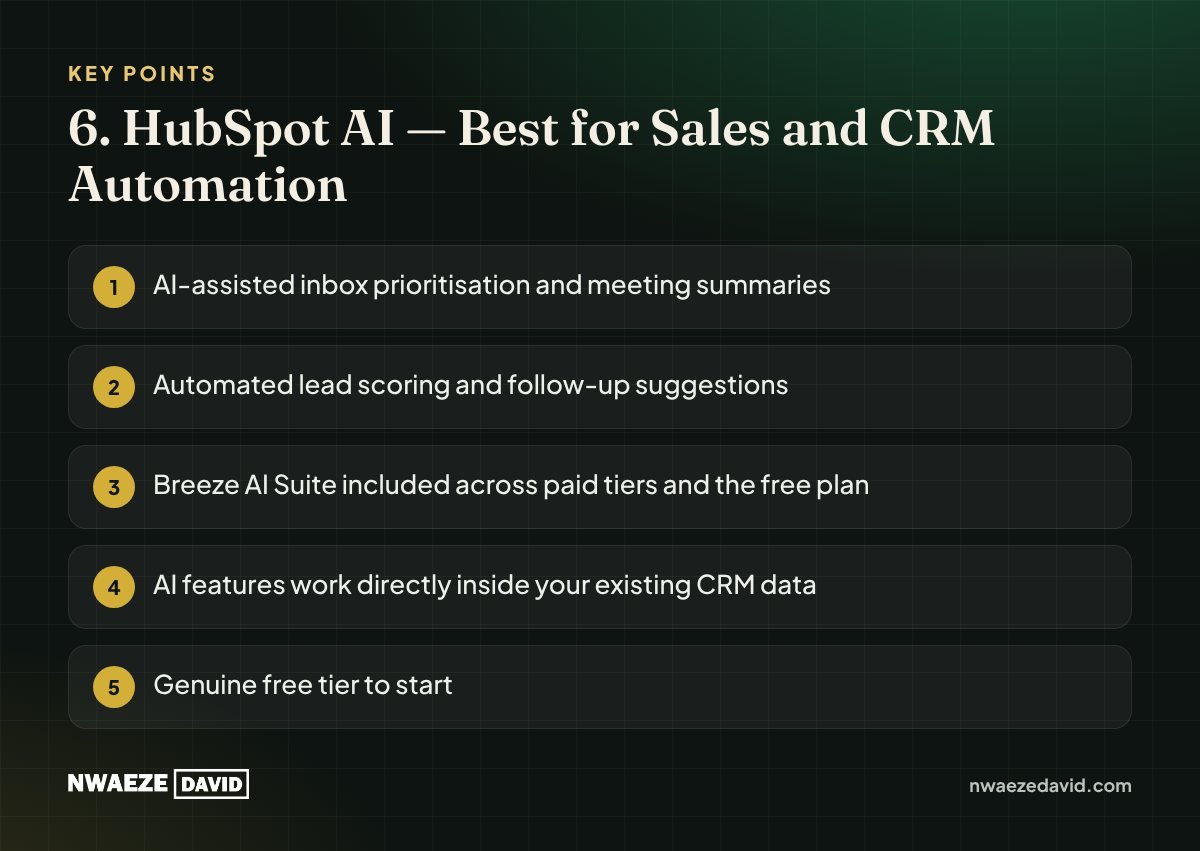
- AI-assisted inbox prioritisation and meeting summaries
- Automated lead scoring and follow-up suggestions
- Breeze AI Suite included across paid tiers and the free plan
- AI features work directly inside your existing CRM data
- Genuine free tier to start
- Deeper automation features gated to pricier tiers
- Best AI value shows up once you're already committed to HubSpot as your CRM
Full Comparison Table
| Tool | Business Function | Starting Price | Standout Strength |
|---|---|---|---|
| ChatGPT / Claude | General AI assistant | Free / ~$20/mo | Writing, research, strategy |
| Otter.ai | Meeting notes | Free / $16.99/mo | Automatic transcription + action items |
| Zapier | Workflow automation | Free / ~$20/mo | Plain-English automation building |
| Notion AI | Knowledge management | $20/user/mo | 3 frontier AI models in one subscription |
| Canva AI | Design & visual content | Free / ~$15/mo | Replaces a designer for most needs |
| HubSpot AI | Sales & CRM | Free / $20+/seat/mo | AI embedded directly in CRM workflows |
How to Build Your AI Stack
- Start with your biggest time drain; not the most exciting tool, the one solving your actual bottleneck
- Use it daily for 30 days before judging it or adding another tool
- Favour tools that run in the background (transcribing, automating) over ones you have to remember to open
- Check for overlap; Notion Business already includes ChatGPT and Claude access, so don't pay for all three separately if you're already on Notion Business
Final Verdict
You don't need all six of these tools on day one. Most business owners get the fastest return starting with a general AI assistant (ChatGPT or Claude) for daily writing and thinking, then adding Otter.ai or Zapier specifically for whichever recurring task (meetings or manual data entry) is currently eating the most hours in your week. Build outward from there as each tool earns its place.
My Recommendation
Pick the one category above that matches your single biggest time drain right now. Use that tool daily for 30 days before adding a second one; stacking five AI subscriptions you barely touch costs more than mastering one you use every day.
Try ChatGPT → Try Zapier → Try Notion AI →Frequently Asked Questions
What is the best AI tool for a small business owner to start with?
A general AI assistant like ChatGPT or Claude is usually the best starting point, since it handles writing, research, and brainstorming across almost every part of running a business before you need anything more specialised.
Can AI tools replace employees?
No. AI tools are best understood as handling repetitive, time-intensive tasks (transcription, drafting, automation) so your team can spend more time on strategy, relationship-building, and decisions that genuinely require human judgement.
Is Notion AI worth it compared to paying for ChatGPT and Claude separately?
If your team is already using Notion for documentation, the Business plan's bundled access to GPT-5.4, Claude Opus, and Gemini 3 can be cheaper than paying for all three subscriptions separately, while also keeping the AI output directly inside your existing documents.
What's the best AI tool for automating repetitive business tasks?
Zapier is generally the easiest entry point for non-technical business owners, since it lets you describe an automation in plain English and builds the workflow for you across thousands of connected apps.
Does Otter.ai work in languages other than English?
Otter.ai currently supports English, French, and Spanish only. If your meetings happen primarily in other languages, you'll need an alternative transcription tool with broader language support.
Go further
Resources that go with this guide




Written by
Nwaeze David
Nigerian digital entrepreneur, YouTuber and author of more than 20 books on business, money and online income. He writes plain-language guides for entrepreneurs around the world.