📋 Table of Contents
An honest look at whether Circle's all-in-one community platform (now with a genuinely AI-native layer) is worth adding to your stack.
A course teaches somebody something. A community is the reason they stick around after they've learned it. That gap is the entire reason Circle exists, it was built by former Teachable employees who kept noticing the same pattern: course platforms are excellent at delivering content and surprisingly weak at making people feel like they belong to something.
This Circle review breaks down real 2026 pricing, an honest limitation most reviews skip, whether you actually need this on top of whatever course platform you're already using and, because it's changed the platform more than anything else this year, a full look at how Circle AI actually feels once you're inside it.
Who This Review Is For
This article is written for:
- Course creators and coaches whose students disappear the moment they finish the content
- Membership site owners who want community, courses, and payments under one brand
- Anyone building a paid mastermind or coaching cohort that's outgrown a Facebook group
- Shoppers comparing Circle against Mighty Networks, Skool, or Kajabi
- Anyone specifically curious what Circle AI and AI Agents actually do, beyond the marketing copy
Quick Verdict at a Glance
⚡ Circle :— Quick Summary 2026
What Circle Actually Does
Circle
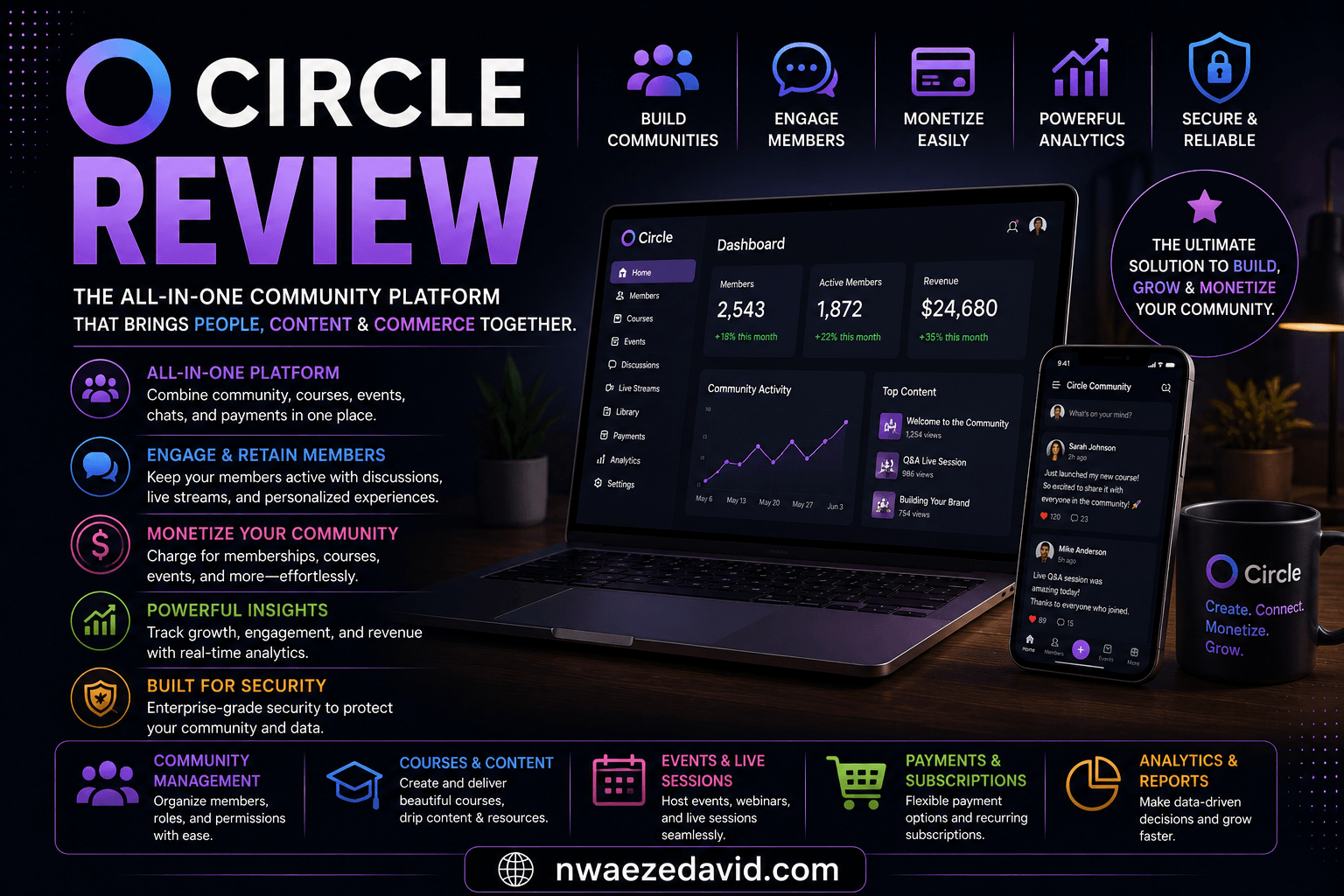
Circle organizes a community into Spaces (dedicated areas for discussions, courses, live events, or resources) that you build around however your audience actually uses your content. Courses support video up to 4GB per file, audio, PDFs, and even embedded Airtable or Google Sheets content, with quizzes built in for assessment.
Where Circle earns its "all-in-one" label is everything beyond the course itself: email broadcasts and behavior-triggered automations, branded checkout with subscriptions and installment payments, gamification and automated nudges to keep members active, and (as of 2026) an AI layer running underneath all of it, cutting down how much hands-on moderation a growing community actually needs from you.
A white-labeled mobile app builder is also included, letting you package your community and other tools into a branded iOS and Android app. One creator reports building theirs in under 10 minutes and seeing engagement double almost immediately.

Circle combines community spaces, courses, and events under one brand instead of requiring separate tools.
Circle AI: Inside the AI-Native Experience
The biggest change to Circle in 2026
What It's Actually Like to Use Circle AI
In June 2026, Circle rolled out what it calls an "AI-native" version of the platform, and once you're inside it, the difference from a chatbot bolted onto an old workflow is genuinely noticeable. Circle now splits its AI into two distinct layers, and understanding both is the fastest way to know what you're actually paying for.
Circle AI sits on the admin side. Instead of clicking through settings menus to build a Space, configure a paywall, or seed a discussion thread, you describe what you want in plain language and the assistant carries out the setup itself, closer to a self-driving car than a GPS that just shows you the route.
It also pulls in outside context (competitor research, niche trends, recent news) through built-in web search, so what it proposes isn't a generic template.
AI Agents sit on the member side, embedded directly inside individual Spaces. Each agent runs on a "Knowledge Engine" that you configure yourself, specific discussion spaces, course lessons, or uploaded documents, whatever you decide it's allowed to draw from.
Chat Agents field member questions in real time, onboarding agents walk new members through their first days, and support agents can reference a member's own profile fields when composing a reply, so answers feel personal rather than templated.
Two more pieces round out the system:
#1. Activity Scores give every member a 1–10 engagement rating on a rolling 30-day window, so you can spot someone quietly disengaging before they leave for good.
And #2. Circle MCP, released the same month, lets you connect your community's data directly to outside AI tools like Claude, ChatGPT, or Gemini; so your own AI workflows can read from (and, with permission, write to) your community without manual exporting.
None of this replaces you as the creator. It's positioned closer to a very capable co-founder handling the repetitive layer of running a community (writing, moderating, onboarding, first-response support) so the hours you get back go toward the parts of community-building that actually need a human.
Creating "Q4 Cohort" Space now → adding a $97/mo paywall → drafting a welcome post based on your last 3 launches. Want me to schedule it for Monday?
Hey Sarah — it's pinned in the "Course Resources" space, right under the Week 2 video. Want me to drop the direct link here?
Illustrative mockup of the two AI layers inside Circle — the admin-facing Circle AI and the member-facing AI Agents.
Circle Pricing Breakdown
Circle runs four tiers, all backed by a 14-day free trial with no credit card required, plus a 30-day money-back guarantee.
Basic
- Spaces, courses, live events
- Basic payments & memberships
- Standard branding
Professional
- Advanced automations
- Higher member/storage limits
- Deeper analytics
Business
- White-label mobile app
- Advanced workflows + fuller Circle MCP access
- Priority support
Enterprise
- Custom SSO and security
- Dedicated support
- Highest usage ceilings
A Real Limitation Worth Knowing
⚠️ No Built-In Certificates of Completion
If your course includes any kind of credential (a professional certification, continuing education credit, or even just a completion certificate members can share on LinkedIn) Circle doesn't generate one natively. You'll need to route this through a Zapier integration to a separate certificate tool: an extra step and cost most reviews don't mention upfront. Confirm whether this matters for your specific course before assuming Circle handles it out of the box.
Pros and Cons
✓ Circle Pros
- Genuinely combines community, courses, events, email, and payments in one branded platform
- White-labeled mobile app builder lets you launch a branded iOS/Android app quickly
- Circle AI and AI Agents now handle a meaningful share of setup, onboarding, and member support automatically
- Strong product design consistently praised as more intuitive than competitors
- Native Teachable integration, a direct product of Circle's founding team background
✗ Circle Cons
- No built-in certificate of completion, requires a Zapier workaround
- More expensive than a pure course platform if community features aren't actually needed
- Live video capped at 500 participants, a real ceiling for very large cohort launches
- The deepest Circle AI and MCP capabilities are more useful on Business-tier plans and above
- Pricing climbs meaningfully at the Business and Enterprise tiers for growing communities
Do You Need a Community Platform or Just a Course Platform?
This is the question worth answering honestly before paying for Circle. If your students complete a course and move on without needing ongoing interaction, support, or peer connection, a dedicated course platform alone likely serves you better and costs less.
If your students are working sequentially through structured lessons, a comparison of the two leading dedicated course platforms covers that specific decision in more detail.
Circle earns its price when the community itself is part of the value, a mastermind, a coaching cohort, a paid membership where members learn from each other as much as from you.
If retention, engagement, and ongoing revenue from the same audience matter more than one-time course completion, Circle's combined approach (now reinforced by Circle AI handling setup and AI Agents handling support) genuinely reduces the number of separate tools you'd otherwise need to stitch together.
💡 A Reasonable Way to Decide
If you're choosing your first course platform and haven't launched yet, start there before adding Circle on top. If you already have an audience finishing your course and asking "what's next," that's usually the real signal a community platform like Circle is worth the additional cost.

Circle's white-labeled mobile app builder lets creators launch a branded iOS and Android app for their community.
Frequently Asked Questions
Is Circle a replacement for a course platform like Thinkific?
What's the difference between Circle AI and AI Agents?
Does Circle offer certificates of completion?
How much does Circle actually cost?
Can I import my existing community members?
Is Circle good for a small, just-starting-out community?
What's the difference between Circle and Mighty Networks?
Final Verdict: Is Circle Worth It in 2026?
Circle solves a real problem well: turning a course or content audience into an ongoing, paying community rather than a one-time transaction. Its combination of community, courses, events, payments, and now a genuinely AI-native admin and support layer in one branded platform reduces the number of tools most creators would otherwise need to stitch together.
If community and retention are core to your business model (coaching cohorts, masterminds, paid memberships where members learn from each other) Circle is worth the investment, starting from around $49/month, with a free trial to test it against your actual use case first.
If you only need to deliver a structured course with no ongoing community component, the honest answer is that a dedicated course platform alone will cost less and serve that narrower need just as well. Circle earns its price specifically when what happens after the course (not just during it) is where your business's real value lives.
Ready to Build Your Community?
Try Circle free for 14 days, no credit card required, backed by a 30-day money-back guarantee.