

- Quick Verdict — Is Zapier Worth It?
- How Zapier Actually Works
- The Task Math: What Costs Add Up Faster Than You Expect
- Zapier Pricing Breakdown (2026)
- AI Copilot: The Best New Feature
- Pros and Cons
- Who Zapier Is Best For (and Who Should Skip It)
- Alternatives: Make vs Zapier
- Frequently Asked Questions
- Final Verdict
Zapier connects 8,500+ apps and is the de-facto standard for no-code workflow automation, but its task-based pricing model means what starts as a manageable monthly cost can grow much faster than most small business owners expect.
This review explains exactly when Zapier is the right call, and when the cost structure makes a cheaper alternative worth considering instead.
Quick Verdict | Is Zapier Worth It?
⭐ Zapier at a Glance
I believe that Zapier is worth it for straightforward, lower-volume automations where the time saved clearly outweighs the task cost.
The 2026 AI Copilot feature has genuinely lowered the barrier to building even complex Zaps, 85% of testers successfully built working automations on their first try using Copilot, versus just 35% with the traditional interface.
The catch: every step in a multi-step Zap counts as a separate task, so complex workflows on Professional quickly exhaust your 2,000-task monthly budget.
Try Zapier Free →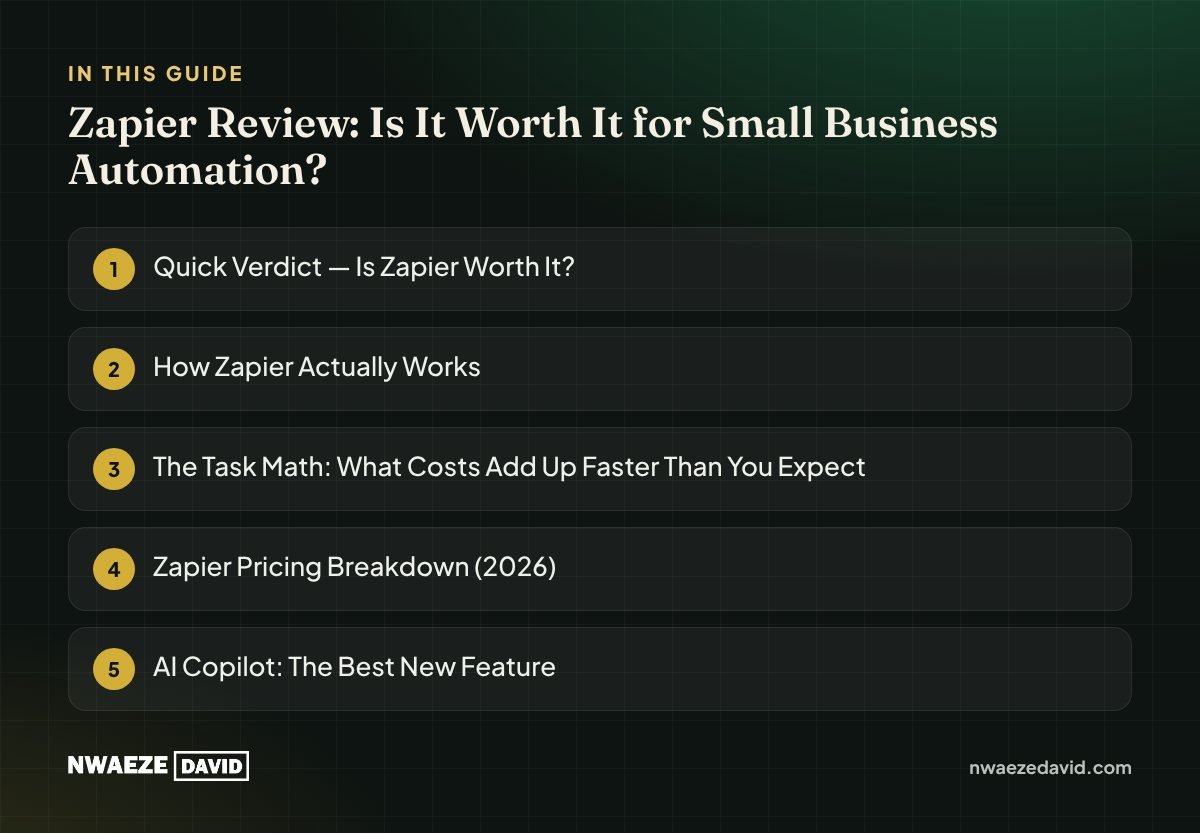
How Zapier Actually Works
Zapier automations are called Zaps. Each Zap has a trigger (something that happens in one app) and one or more actions (things that happen automatically in other apps as a result).
A simple Zap: when someone fills out your Google Form, add their email to your Mailchimp list.
A multi-step Zap: that same form submission also creates a CRM contact, sends a Slack notification, and logs the entry in a Google Sheet. The key detail most new users miss: every action step in a Zap counts as a separate task against your monthly limit.
The Task Math: What Costs Add Up Faster Than You Expect
A 4-step Zap (1 trigger + 3 actions) running 200 times in a month consumes 600 tasks, that's 30% of the Professional plan's entire 2,000-task monthly budget for just one automation.
Run three or four similar workflows and you've used your full monthly allowance. Most small business owners discover this the hard way after their first month on Professional.
Zapier Pricing Breakdown
| Plan | Price (annual billing) | Tasks/Month | Key Limits |
|---|---|---|---|
| Free | $0 | 100 | 2-step Zaps only, 5 Zaps max; effectively a trial tier |
| Professional | From $19.99/mo | 750–2,000+ | Multi-step Zaps, Paths, unlimited premium apps |
| Team | From $69/mo | 2,000 | Up to 25 users, shared Zaps; same task limit as Professional |
| Enterprise | Custom | Unlimited | SSO, audit logs, dedicated account manager |
Important note: monthly billing costs roughly 30-50% more than annual rates. Overages are charged at 1.25x the standard per-task rate; creating a penalty for growing beyond your plan that compounds with business growth, not just overuse.
AI Copilot: The Best New Zapier Feature
Zapier Copilot, introduced in 2026, lets you describe what you want in plain English ("When someone fills out my Google Form, add their email to Mailchimp and notify our Slack channel") and builds the Zap structure for you. It handles field mapping and suggests app connections.
You still need to configure and test each step, but the build time for a new Zap that used to take 20 minutes now takes under 5 for most common use cases. This is the most significant usability improvement in Zapier's history and is included across all paid plans.
Zapier Pros and Cons
✓ Pros
- 8,500+ integrations; the widest library of any automation platform
- AI Copilot makes building Zaps dramatically faster and more accessible
- Intuitive interface, non-technical users consistently rate it the easiest to use
- Tables, Interfaces, and Zapier MCP now bundled at no extra cost
- SOC 2 Type II compliant, safe for business data
✗ Cons
- Task-based pricing punishes high-volume workflows and complex multi-step Zaps
- Free plan is effectively just a trial, 100 tasks disappears with one moderate workflow
- Team plan costs 3.5x Professional but still has the same 2,000-task limit
- Complex conditional logic and error handling are harder than they appear
- No mobile app
Who Zapier Is Best For (and Who Should Skip It)
👤 Best fit: Non-technical solo founders or small teams with 3-10 apps to connect
Zapier's ease of use, breadth of integrations, and Copilot feature make it the fastest path from "I want to automate this" to a working automation, without any coding knowledge.
👤 Best fit: Businesses with clear, simple trigger-to-action workflows at moderate volume
A contact form → CRM → Slack notification workflow that runs 100 times a month is exactly what Zapier is built for; the ROI from saved time clearly outweighs the task cost at this volume.
👤 Skip it: High-volume businesses processing thousands of events per month
E-commerce stores syncing orders, inventory, and customer events; agencies running large-scale lead management; and any workflow where volume scales with business growth will see costs escalate uncomfortably fast under task-based pricing.
Zapier Alternatives: Make vs Zapier
| Zapier | Make (formerly Integromat) | |
|---|---|---|
| Ease of use | Easiest; linear, step-by-step builder | Steeper learning curve; visual canvas |
| Integration library | 8,500+ apps | 2,000+ apps |
| Pricing model | Per task | Per operation (cheaper per equivalent workflow) |
| Complex workflows | Harder; requires workarounds | Better; visual canvas handles branching/loops natively |
| Best for | Beginners, simple workflows | Power users, complex logic, high volume |
The practical guidance is straightforward: if you're starting out and value ease over cost-per-task, start with Zapier. If you're already hitting task limits or your workflows need complex conditional logic, Make is typically significantly cheaper at equivalent volume and handles complexity more naturally.
Frequently Asked Questions about Zapier
Is Zapier's free plan actually usable for a real business?
Barely. At 100 tasks per month and a 2-step Zap limit with a maximum of 5 Zaps, the free plan is more accurately described as a trial period. A single moderate-volume workflow can consume the entire monthly allowance.
How does Zapier count tasks?
Every action step in a Zap counts as one task. The trigger does not count. A 4-step Zap (1 trigger + 3 actions) consumes 3 tasks each time it runs — meaning 200 monthly triggers on that workflow consume 600 tasks total.
What is Zapier Copilot and is it actually useful?
Zapier Copilot is an AI builder that converts plain-language workflow descriptions into a Zap structure automatically.
It's genuinely useful, testing showed 85% of users successfully building working automations on their first try, versus 35% with the traditional interface.
Is Make (Integromat) better than Zapier for small businesses?
Make is better for complex workflows and high automation volume where cost matters. Zapier is better for beginners and simpler workflows where ease of setup matters more than per-task cost.
Most small businesses starting out find Zapier more accessible, then consider Make if they outgrow its task limits.
Final Verdict
My Recommendation
Start with Zapier's Professional plan if you're new to automation, the AI Copilot, ease of use, and 8,500+ integrations make it the fastest path to your first working workflow.
If your automation needs grow beyond 2,000 tasks per month or your workflows need complex branching logic, evaluate Make before upgrading to Team rather than simply paying the next tier's price.
Try Zapier Free →Go further
Resources that go with this guide




Written by
Nwaeze David
Nigerian digital entrepreneur, YouTuber and author of more than 20 books on business, money and online income. He writes plain-language guides for entrepreneurs around the world.


