Some links in this article are affiliate links. If you buy through them, I may earn a commission at no extra cost to you. Disclosure.

Paid keyword tools are genuinely useful once you're managing dozens of articles at once — but you don't need one to start. Every paid tool ultimately pulls from the same underlying signal: what people actually type into Google. You can access a meaningful slice of that signal yourself, for free, using tools Google already gives away.
Why Free Tools Are Genuinely Enough to Start
Paid keyword tools add convenience — search volume estimates, difficulty scores, bulk exports — but the underlying keyword discovery process (finding what real people search) is fully achievable without them. For a new site especially, free research paired with genuine topic knowledge will outperform paid-tool data applied without real understanding of your audience.
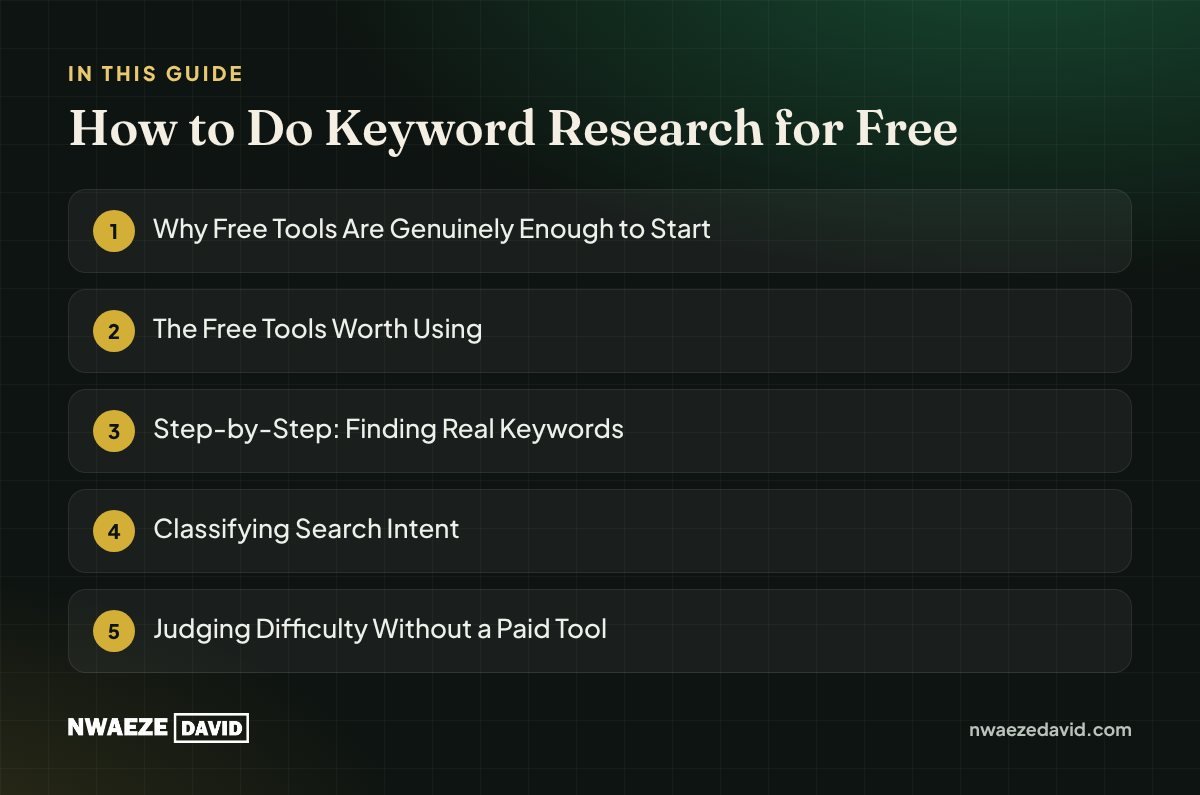
The Free Tools Worth Using
| Tool | What It's Good For |
|---|---|
| Google Autocomplete | Real, currently popular search phrases as you type |
| "People Also Ask" boxes | Related questions people are actively searching, often great subheadings |
| "Related Searches" (bottom of results page) | Adjacent topics and phrasing you may not have considered |
| Google Trends | Whether interest in a topic is rising, falling, or seasonal |
| Google Search Console (once your site has some traffic) | Exact queries already bringing you impressions and clicks |
Step-by-Step: Finding Real Keywords
1 Start With a Broad Seed Topic
Type your general topic into Google and note every autocomplete suggestion — these reflect real, currently common searches, not guesses.
2 Mine the Results Page Itself
Scroll to "People Also Ask" and "Related Searches" at the bottom of the page. These two sections alone often surface more genuinely useful long-tail ideas than any single keyword tool.
3 Add Modifiers to Your Seed Topic
Append words like "best," "vs," "how to," "for beginners," "cost," and "review" to your seed topic in the search bar and note what autocomplete returns for each — this systematically surfaces variations you wouldn't think of alone.
4 Check Google Trends for Direction
Before committing significant effort, confirm the topic isn't in obvious long-term decline — Trends shows whether interest is generally rising, falling, or seasonal.
5 Mine Your Own Search Console Data
Once your site has some traffic, Search Console's Performance report shows the exact queries already bringing you impressions — frequently revealing keyword opportunities you never deliberately targeted.
Classifying Search Intent
| Intent Type | What the Searcher Wants | Example |
|---|---|---|
| Informational | An answer or explanation | "what is a registered agent" |
| Navigational | A specific website or brand | "doola login" |
| Commercial investigation | Comparing options before buying | "best LLC formation service" |
| Transactional | Ready to act now | "doola pricing" or "sign up for doola" |
Judging Difficulty Without a Paid Tool
- Check who's already ranking: If the top 10 results are all major, established domains, that term is harder for a new site to compete on right now
- Count the words: Longer, more specific phrases ("best budgeting app for Nigerian freelancers" vs "budgeting app") are almost always less competitive
- Look for thin or outdated top results: If existing top-ranking content is genuinely weak, that's a real opportunity regardless of domain size
Organising What You Find
Group your keyword findings by topic cluster, not as one giant unsorted list. Each cluster becomes a pillar page with several supporting articles — the same pillar/cluster structure that helps both readers and search engines understand how your content fits together as genuine topical authority.
Frequently Asked Questions
Can I really do effective keyword research without a paid tool?
Yes, especially for a new or smaller site. Google's own free tools — autocomplete, People Also Ask, Related Searches, Trends, and Search Console — provide the same underlying signal paid tools are built on.
How do I know if a keyword is too competitive for a new site?
Check who currently ranks in the top 10 results. If they're all large, established domains, the term will likely be difficult to compete for until your own site builds more authority.
What is search intent and why does it matter?
Search intent is what a searcher actually wants when they type a query - an answer, a comparison, or to take immediate action. Matching your content format to that intent matters more than the keyword itself for ranking and converting well.
Where can I find keyword ideas directly from my own website?
Google Search Console's Performance report shows the exact queries already generating impressions and clicks for your site, often revealing keyword opportunities you never deliberately targeted.
Final Thoughts
The Bottom Line
Keyword research doesn't require a subscription to get started — it requires genuine curiosity about what your specific audience is actually typing into Google, and the discipline to mine the free signals already sitting in plain sight on the search results page itself.
Go further
Resources that go with this guide




Written by
Nwaeze David
Nigerian digital entrepreneur, YouTuber and author of more than 20 books on business, money and online income. He writes plain-language guides for entrepreneurs around the world.